

Something has gone wrong with your OnlyFans account, and every minute feels like it costs money and trust. Here's what to do:
Stabilize the account first. Diagnose which of the four crisis types you're facing. Respond with steps that match that specific type. Loop in your agency if you have one. Document everything as you go.
This sequence - stabilize, diagnose, respond, document - is the backbone of an effective response. It's written for creators and agency staff who need a plan they can follow under pressure, not a sales pitch. This is not legal advice. It's general guidance checked against OnlyFans' published policy and standard dispute procedures, with facts linked to their sources so you can verify them yourself.
What Counts as an OnlyFans Crisis (And Why Speed Matters)
A crisis is anything that threatens your account's ability to operate, your income, or your content control, and that will get worse the longer you wait. A late payment to a vendor is an inconvenience. A suspended account, leaked content circulating on a piracy forum, a sudden run of disputed charges, or an agency that stops communicating during a payout problem are crises.
Speed matters for a concrete reason: platform enforcement systems, payment networks, and piracy sites all operate on their own clocks, and each one closes windows of opportunity the longer you wait. A DMCA takedown filed within hours of discovering a leak is far more likely to catch it before it spreads to mirror sites. A chargeback response filed close to when the dispute opens has more time to be reviewed before the deadline closes.
The Four Main Crisis Types
| Crisis type | Typical trigger | Who resolves it |
|---|---|---|
| Account ban or suspension | Policy violation flag, content report, automated detection | OnlyFans |
| Content leak | Unauthorized reposting on forums, Telegram, or tube sites | You, your agency, and DMCA takedown recipients |
| Chargeback or payment dispute spike | Buyer disputes, card testing, fraud rings | OnlyFans support or the card network |
| Agency dispute | Missed payout, broken contract term, unresponsive manager | You and your agency, sometimes a third party |
Quick check: crisis or inconvenience? Ask three questions: Is money, access, or content control actually at risk right now? Will waiting 24 hours make the outcome worse? Is there a clear party who needs to hear from you directly? If you answered yes twice, treat it as a crisis and move to stabilization.
Step 1: Stabilize the Account and Stop Further Damage
Before you try to fix anything, stop anything from getting worse. This is triage, not resolution.
Secure your login and enable two-factor authentication
Change your password immediately if there's any chance of unauthorized access. Confirm two-factor authentication is active on both your OnlyFans login and the email address tied to it. OnlyFans' help pages document account security options, including login alerts. Turning these on closes the most common entry point for account takeovers.
Pause risky actions until you know what happened
Stop scheduling new posts, pause mass messages, and hold off on any promotional pushes until you understand the crisis type. Sending a mass message about an unconfirmed leak, or posting new content while a ban review is pending, can complicate the platform's or agency's ability to help you.
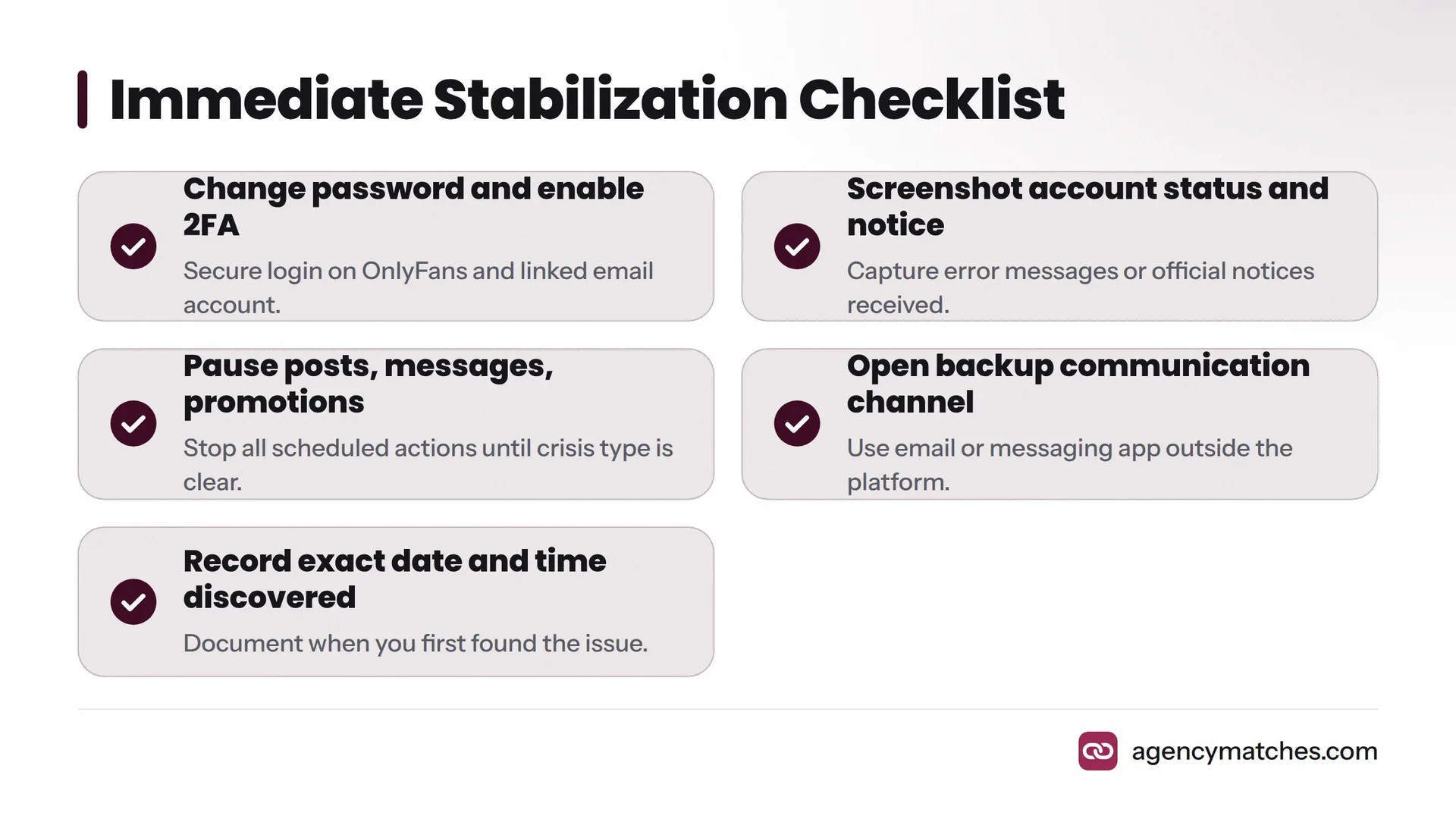
Immediate stabilization checklist:
- Change your password and confirm two-factor authentication is active.
- Screenshot the account status, any error message, or the notice you received.
- Pause scheduled posts, mass messages, and promotions.
- Open a backup communication channel (a separate email thread or messaging app) so you're not relying solely on in-platform messaging.
- Note the exact date and time you discovered the issue.
Step 2: Diagnose the Crisis Type
Once the account is stable, figure out exactly what you're dealing with before you act. Misdiagnosing the problem wastes hours you don't have.
| Signal | Likely crisis | First action | Typical resolution path |
|---|---|---|---|
| Account inaccessible, suspension notice, content removed with a policy reference | Ban or suspension | Read the official notice in full | Appeal through OnlyFans support channels |
| Your content appears on an external site, forum, or Telegram channel you didn't post to | Content leak | Document the URL and screenshot it | DMCA takedown to host or search engines |
| Multiple unfamiliar disputed charges within a short window | Chargeback spike | Pull the transaction list and compare patterns | Dispute response through OnlyFans support |
| Agency stops responding, misses a payout, or breaches a stated term | Agency dispute | Reread your contract's relevant clause | Direct escalation, then possibly a third-party dispute |
Step 3: Respond to a Ban or Suspension
Check the official notice and stated reason
Read the suspension or ban notice carefully. OnlyFans publishes its terms of service and acceptable use policy, and enforcement notices generally reference a specific violation category. Before doing anything else, confirm whether the message says "suspended" (often temporary, pending review) or describes a permanent ban.
A suspension is typically a temporary restriction pending review or a specific fix. A ban, sometimes called a permanent deactivation, is treated as a final enforcement action, though it may still be appealable. Always rely on OnlyFans' exact wording rather than assuming based on experience with other platforms.
Understand how appeals work
OnlyFans provides a support and appeals path through its help center for creators who believe an enforcement action was made in error. Submit an appeal through the official support channel with any context or documentation that clarifies the situation, then wait for human review. Repeated appeals submitted in a short window can read as spam to an automated queue and slow things down.
What not to assume about appeal outcomes
Do not assume an appeal will succeed, do not assume a timeline, and do not create a new account to work around a suspension while an appeal is pending. Platform terms generally treat ban evasion as a separate violation. Treat every appeal as a genuine review, submit your clearest account of events once, and use the waiting period to work through your documentation log instead of guessing at outcomes.
Step 4: Respond to a Content Leak
A content leak is the unauthorized reposting or distribution of paid or subscriber-only content outside the platform where it was originally sold. It's a common crisis type for creators, and it's also the one with the clearest external remedy: copyright law.
Document where the leak appeared
- Screenshot the page, including the URL bar, date, and surrounding content.
- Save the direct link to the specific post or thread, not just the site's homepage.
- Note whether it appears on one site or multiple, since coordinated reposts across several forums change your strategy.
- Record the date and time you found it in your documentation log.
File a DMCA takedown
The Digital Millennium Copyright Act gives copyright holders, including OnlyFans creators, a formal process for requesting that hosts and search engines remove infringing material. The U.S. Copyright Office's official DMCA guidance explains the required elements: identification of the copyrighted work, identification of the infringing material and its location, your contact information, your physical or electronic signature, a good-faith statement, and a statement made under penalty of perjury. Most hosting providers and search engines, including Google, publish their own submission forms for DMCA requests, which speeds removal.
Decide whether to notify subscribers
This depends on scope. If the leak is small and isolated, notifying subscribers may spread the content more than contain it. If the leak is large-scale, already public, or subscribers are likely to find it on their own, a brief, calm message tends to preserve more trust than silence. Scope and your audience relationship should drive the decision, not panic.
Step 5: Respond to a Chargeback or Payment Dispute Spike
A chargeback is a reversal of a card payment initiated by the cardholder or their bank, not by you or the platform. A spike is an unusual cluster of these in a short window.
Identify the pattern
Pull the list of disputed transactions and look for patterns: Is one subscriber disputing multiple charges, or are many different accounts disputing in a short window? A single subscriber disputing several months is a different problem than a coordinated pattern that resembles card testing or fraud, which payment networks actively monitor.
Gather evidence for the dispute
Save anything that demonstrates the charge was legitimate and service was delivered: login timestamps near the purchase, message logs showing engagement, and your platform terms acknowledgment. Card networks require compelling evidence within a defined window to contest a dispute, so ask OnlyFans support what it needs from you and by when.
Understand processor and card network timelines
Mastercard's dispute resolution guidance describes a structured representment and resolution process with network-set deadlines, though exact days vary by case type and region. Treat any specific day count from a forum or unofficial source as unverified unless it links to an official source. Expect that OnlyFans, as the platform processing the transaction, will have its own internal timeline for forwarding dispute information.
Step 6: Loop In Your Agency (and Know What They Should Document)
If you work with a management agency, a crisis is exactly when their value should show up. A documented, legitimate agency should tell you, without hesitation, what they're doing on your behalf and show a record of it.
What crisis duties a documented agency should cover
- Leak takedown support: filing or assisting with DMCA notices, tracking which notices were sent and when, and following up on non-compliant hosts.
- Support escalation records: a log of when they contacted OnlyFans support on your behalf, what was said, and what response came back.
- Communication continuity: a backup way to reach you and a backup way for you to reach them if in-platform messaging is affected.
- Clear ownership of next steps: a stated plan rather than a vague "we're looking into it."
Agency Matches maintains a profile database covering more than 560 OnlyFans management agencies and scores published information on fees and exit terms, creator control, service clarity, result context and business visibility. Crisis-support practices such as leak takedown assistance and support escalation records are not scored there, so ask any agency for them directly. If you're evaluating whether your current agency measures up, its published fees, terms and service descriptions are a reasonable starting point.
Questions to ask your agency during a crisis:
- What specifically have you done so far, and when?
- Who on your team is handling this, and how do I reach them directly?
- What is the realistic timeline, based on the platform's or processor's own process?
- Can you send me a written summary of actions taken so far?
- What do you need from me to keep moving?
Deciding whether to handle something yourself or escalate to your agency comes down to access and leverage. If the issue requires platform-level contact your agency already has an established channel for, or requires DMCA filing at scale, agency involvement usually moves faster. A single straightforward appeal or one-off dispute may be solvable directly while keeping your agency informed.
Step 7: Document Everything and Follow Up
Documentation turns a stressful memory into evidence you can actually use, whether for an appeal, a dispute, or holding your agency accountable.
Crisis documentation log, minimum fields:
| Date/time | Crisis type | Action taken | Who took it | Outcome | Follow-up needed |
|---|---|---|---|---|---|
Keep this log updated in real time, not reconstructed from memory. A simple spreadsheet works fine.
Building your evidence file for future disputes
Store screenshots, notice numbers, email threads, and timestamps in one organized folder, separated by crisis type and date. If a similar issue happens again - which is common with chargeback patterns - a well-organized evidence file from a past incident speeds up your response significantly.
Building a Crisis Response Plan Before You Need One
The best time to build a plan is before anything goes wrong, when you can think clearly instead of reacting.
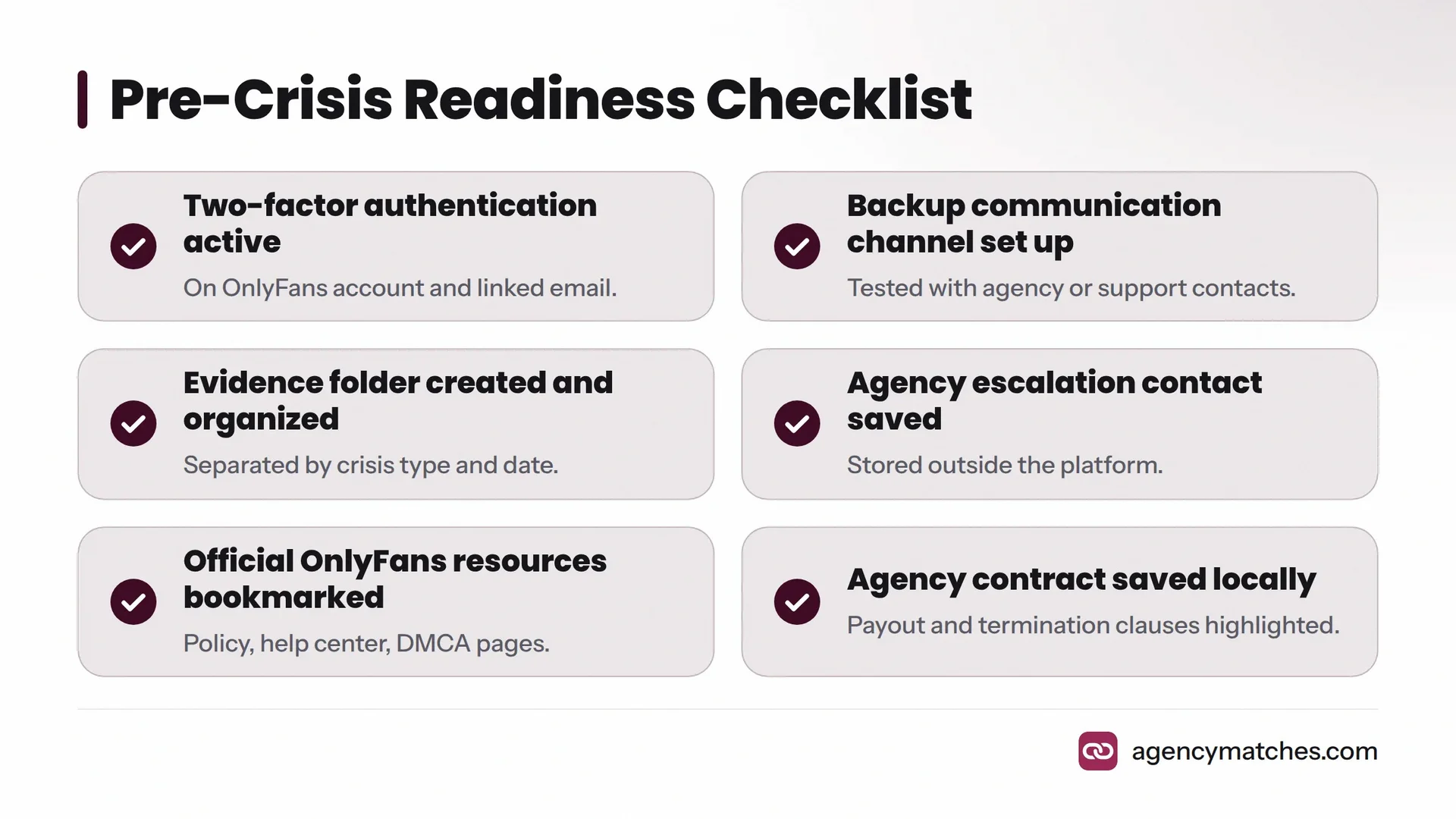
Pre-crisis readiness checklist:
- Two-factor authentication active on your OnlyFans account and linked email.
- A backup communication channel established with your agency or support contacts, tested at least once.
- An evidence folder already created and organized by category, even if empty.
- Your agency's escalation contact saved somewhere outside the platform itself.
- OnlyFans' official policy, help center, and DMCA submission pages bookmarked.
- A copy of your agency contract saved locally, with payout and termination clauses highlighted.
If you're reassessing whether your current management setup is actually built to support you through the next crisis, Agency Matches compares published fees, terms and service descriptions across agencies so you can make that call with real information instead of a sales pitch.
This video walks through how chatting and support staff are typically hired, paid, and scripted at an agency, useful context for understanding who actually answers your message during a crisis:
https://www.youtube.com/watch?v=CqMbp5MOSVA
Frequently Asked Questions
What counts as a crisis on OnlyFans versus a normal account issue? A crisis threatens your income, access, or content control and worsens with delay - such as a ban, a leak, or a chargeback spike. A normal issue, like a slow support reply to a minor billing question, doesn't carry the same urgency or risk.
What should I do first if my OnlyFans account is suspended? Secure your login, screenshot the suspension notice, stop posting or messaging until you understand the reason, and read the official notice carefully before taking any other action.
Can I appeal an OnlyFans account suspension, and how does that generally work? Yes, OnlyFans provides a support and appeals channel through its help center. Submit your appeal once with clear context, then wait for human review rather than resubmitting repeatedly.
What should I do immediately if my OnlyFans content is leaked elsewhere? Screenshot and save the direct URL where the leak appears, note the date and time, and begin the DMCA takedown process with the hosting site or search engine.
How do I file a DMCA takedown for leaked OnlyFans content? Follow the required elements in the U.S. Copyright Office's DMCA guidance: identify the copyrighted work, identify the infringing material's exact location, provide your contact details and signature, and include a good-faith and perjury statement. Submit through the host's or search engine's designated takedown form.
Should I tell my subscribers if my content has leaked? It depends on scope. Small, contained leaks you're actively removing often don't need an announcement, while large or already-public leaks usually benefit from a brief, calm acknowledgment.
What is a chargeback spike and why does it happen on OnlyFans? A chargeback spike is an unusual cluster of disputed card payments in a short window, stemming from a single dissatisfied subscriber, card testing, or coordinated fraud activity.
How do I gather evidence to dispute a chargeback? Collect login timestamps, message logs showing content was accessed, and any terms acknowledgment tied to the purchase. Send that evidence to OnlyFans support before the dispute deadline.
Are there timelines for how long a payment processor takes to resolve a dispute? Mastercard publishes structured dispute lifecycle stages, but exact day counts vary by case type, so treat any specific number from an unofficial source as unconfirmed.
What is an agency dispute and how is it different from a platform crisis? An agency dispute involves your manager or management company - such as a missed payout or broken contract term - while a platform crisis involves OnlyFans itself, a payment processor, or an external site hosting leaked content.
When should I loop my agency into a crisis instead of handling it myself? Loop them in when the issue requires an established platform contact, spans multiple pieces of leaked content, or needs resources you don't have direct access to, such as bulk DMCA filing support.
What crisis-related duties should a legitimate OnlyFans agency document? Leak takedown support, support escalation records showing contact with OnlyFans on your behalf, and reliable backup communication are reasonable minimums to expect and verify.
What is the Agency Matches database? Agency Matches maintains a profile database covering more than 560 OnlyFans management agencies and scores published information on fees and exit terms, creator control, service clarity, result context and business visibility. It does not score crisis-support practices.
How does two-factor authentication help prevent or limit a crisis? It closes the most common path for unauthorized account access, reducing the chance that a takeover triggers a ban, payout redirect, or content leak.
What is a backup communication channel and why do I need one? It's a way to reach your agency, support contact, or subscribers that doesn't depend on the platform itself, useful when in-platform messaging is restricted during an account issue.
What should I include in a crisis documentation log? Date and time, crisis type, the specific action taken, who took it, the outcome, and any follow-up still needed, updated in real time rather than reconstructed later.
How can I build a crisis response plan before anything goes wrong? Enable two-factor authentication, set up a backup communication channel, create an empty evidence folder organized by category, save your agency's contact outside the platform, and bookmark OnlyFans' official policy and DMCA pages.
How quickly does OnlyFans typically respond to support escalations? There's no published guaranteed response time, which is why documenting exactly when you escalated and through which channel matters for your record and for holding an agency accountable.
What role does OnlyFans play in resolving account issues? OnlyFans reviews reported content, enforces the platform's acceptable use policy, and handles appeals submitted through official support channels, acting as the decision-maker on bans and suspensions.
What mistakes make an OnlyFans crisis worse? Common mistakes include creating a new account to evade a suspension, mass-messaging subscribers before confirming what actually happened, submitting repeated appeals in a short window, and failing to document actions as they happen.
How do I decide if I need legal help during a crisis? Consider legal counsel when a dispute involves significant recurring income, a contract disagreement with an agency that isn't resolving through direct communication, or content distribution involving identity theft or harassment beyond a standard leak.
What Happens Next
Every crisis eventually ends, and most creators who come through one well do it by following a plan instead of reacting in the moment. Keep your documentation habit going even after things calm down. If you're reassessing whether your current management setup is actually built to support you through the next one, Agency Matches compares published fees, terms and service descriptions across agencies so you can make that call with real information.